
Support
We're here when your app needs us most.
At Median, we understand the critical role that professional, timely support plays in ensuring your mobile app's success. Whether your app is in development, testing, publishing, or ongoing maintenance, our expert team and support services make it straightforward to maintain native iOS and Android apps, even without in-house mobile resources.
Support Plans
Median offers tiered support options to match your team's needs and app complexity. See our pricing page for a full comparison.
Business Support
Our Business Annual Plan provides technical support at affordable annual rates. Pricing is based on your app's complexity, active native plugins, and any custom development components.
Contact us to learn more about Business Support.
Enterprise Support
For customers with advanced technical, security, or compliance requirements, our Enterprise Annual Plan offers a fully customizable support solution. This plan can include:
- Enhanced app security features
- Service Level Agreement (SLA) terms tailored to your organization's needs
- Mobile Device Management (MDM) distribution support
Contact us to learn more about Enterprise Support.
Self-Serve Support
Customers without an active support plan can still get help by submitting questions through our Community Support Portal. Our team makes a best effort to respond to all inquiries, though response times may vary compared to paid plan holders.
Submitting a Support Ticket for app on an annual plan
Applies to apps on a Business or Enterprise annual plan.
Opening a Ticket via App Studio
The fastest way to submit a support request is directly from App Studio. This automatically associates your app with the ticket and assigns the appropriate priority based on your support plan.
- Open your app in App Studio.
- Click the Support tab in the left sidebar.
- Fill in your issue description and submit.
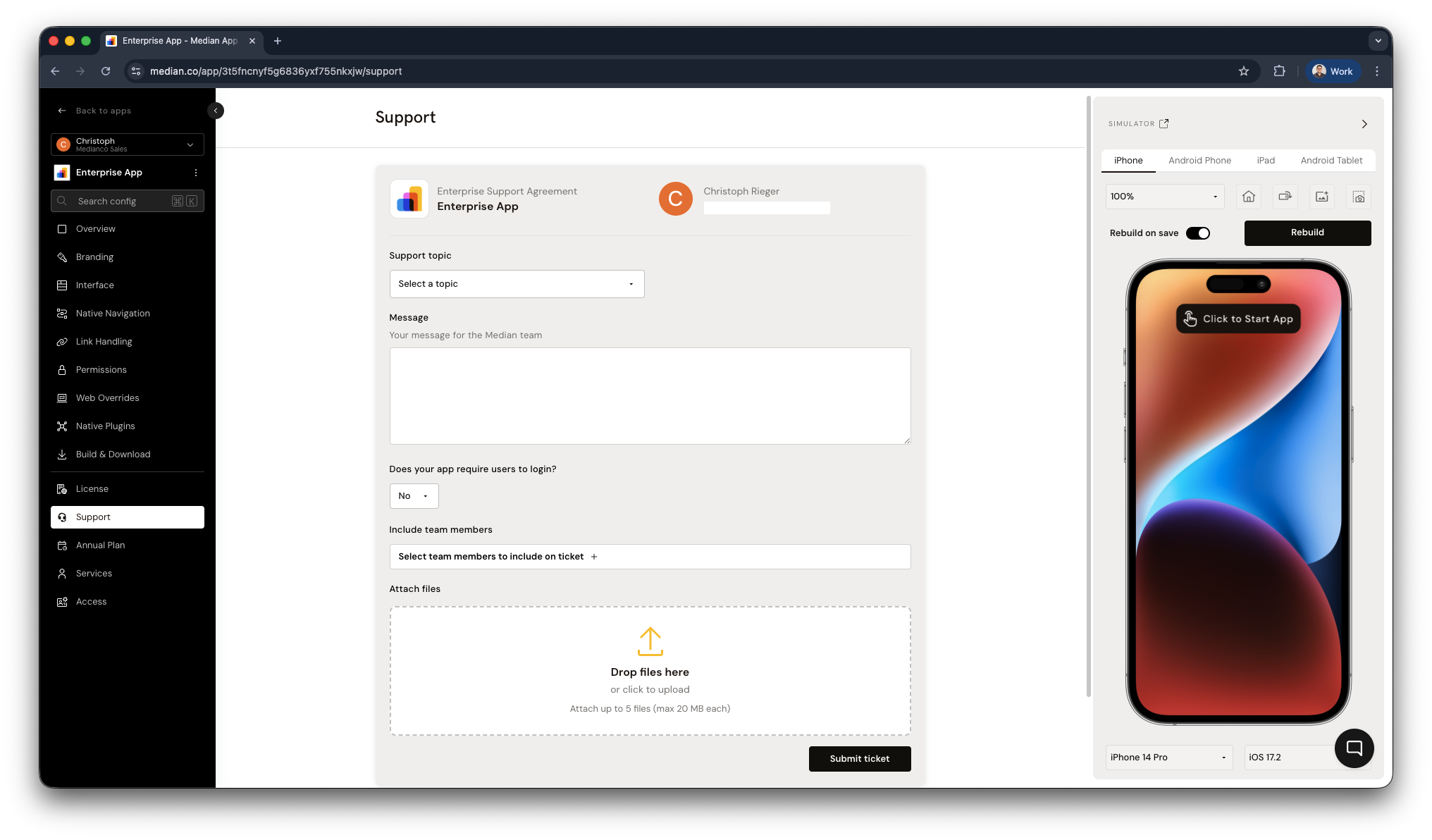
App Studio - Contact Median Support
Writing an Effective Support Request
To help us diagnose and resolve your issue as quickly as possible, please include the following when submitting a ticket:
Reproduction Steps
Provide clear, step-by-step instructions to replicate the issue. If login is required to reproduce it, include test credentials where possible.
Visuals
Attach screenshots or a screen recording that clearly demonstrates the problem.
Technical Details
Include:
- Device make and model
- Operating system and version (iOS or Android)
- Whether the issue occurs on a simulator, physical device, or both
The more precise your information, the faster we can diagnose and resolve the issue.
Updated about 1 month ago