
Splash Screen
Configure custom, animated splash screens for your iOS and Android app
The splash screen is the first thing users see when they launch your app from the home screen or switch back to it from the background. With Median.co, you can customize the splash screen with a static image, an animation, and separate configurations for light mode and dark mode and give your app a polished, native feel from the very first frame.
During initial app launch the splash screen will display while your web content is loading. The splash screen will be displayed until the web page finishes loading (until the DOMContentLoaded event fires), so that the transition between splash screen and your app is frictionless. We provide an test page on our developer portal that can be used to simulate long page load times, allowing you to test the splash screen experience for users on slow network connections.
Developer DemoDisplay our demo page in your app to test during development
https://median.dev/splash-screen-transition
How to configure your splash screen
Median's App Studio auto-generates a splash screen from your app icon, or you can upload a custom static image or animation. From there, you can fine-tune the experience for each platform using the options below.
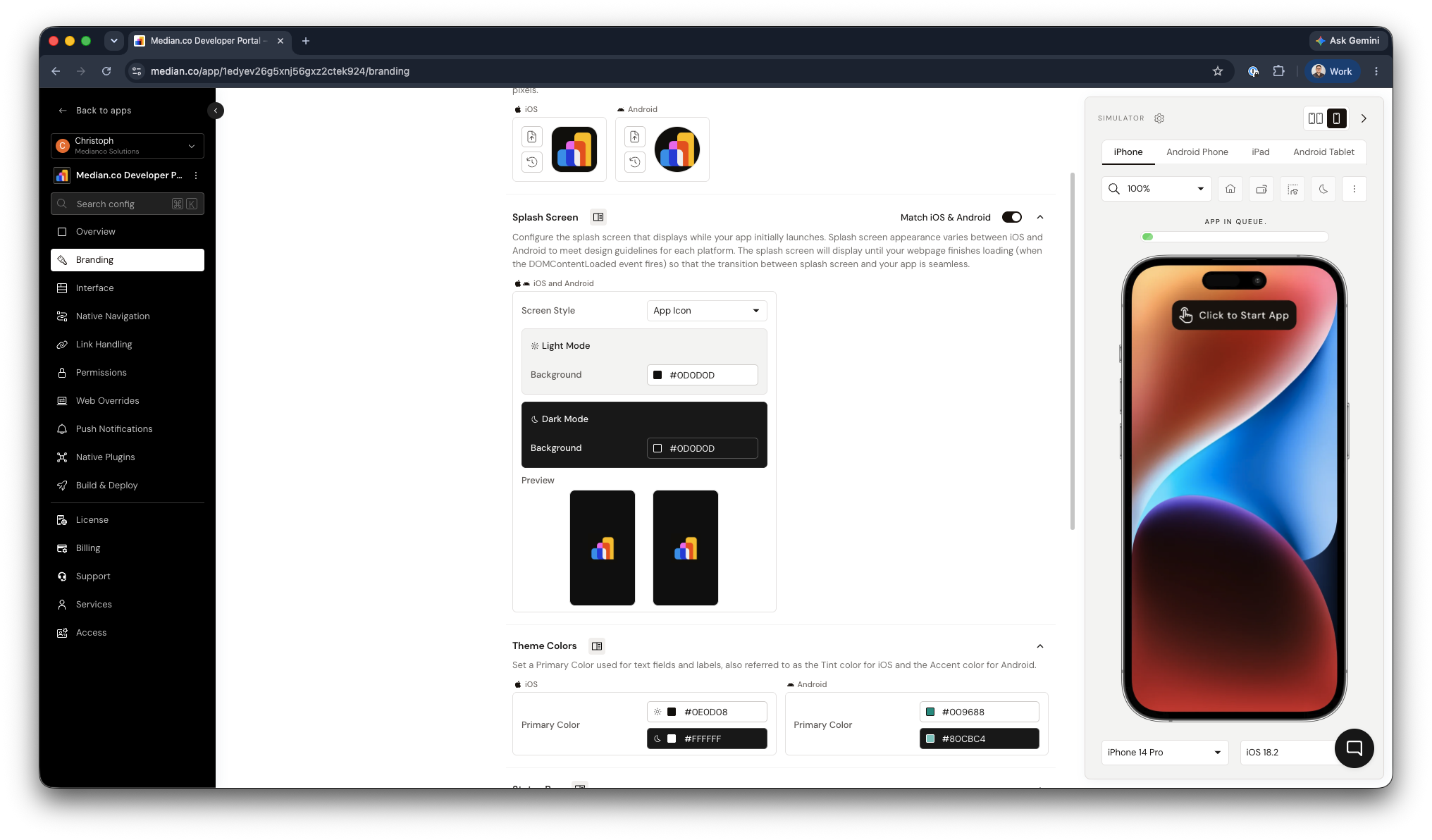
Median.co Splash Screen Configuration
iOS splash screen setup
iOS apps use a launch storyboard to render splash screens. This approach simplifies support across the wide range of iPhone and iPad screen sizes and resolutions, and it's required by Apple to properly support larger iPad devices at native resolution.
By default, App Studio generates your launch storyboard automatically from your app icon. If you want more control, you can customize it directly in Xcode.
Specify device-specific, full-screen launch images for iOS
- Open your iOS source code in Xcode and clear the Launch Screen File field under the General settings tab.
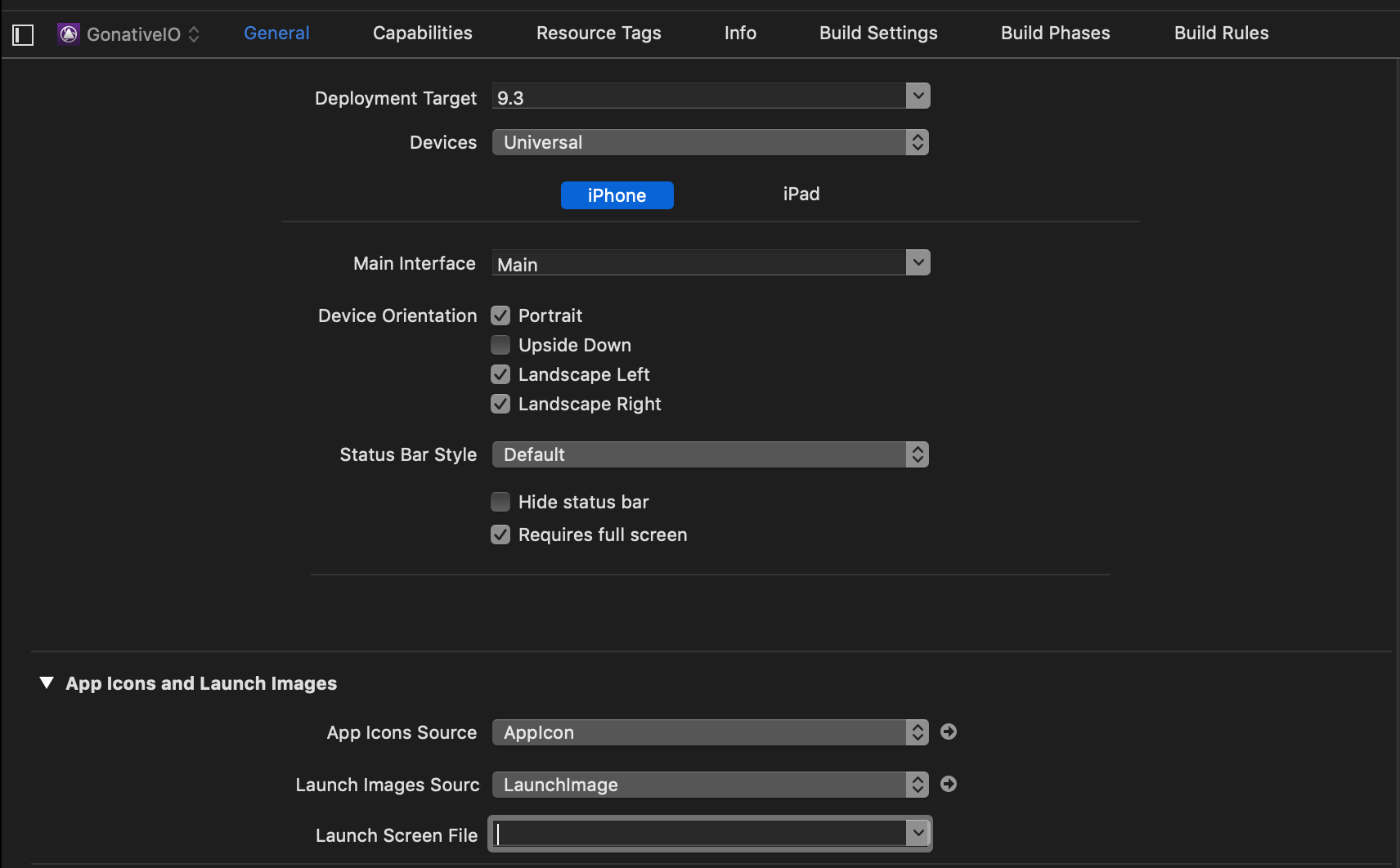
- Open
Images.xcassets, then select App Icons & Launch Images → New iOS Launch Image.
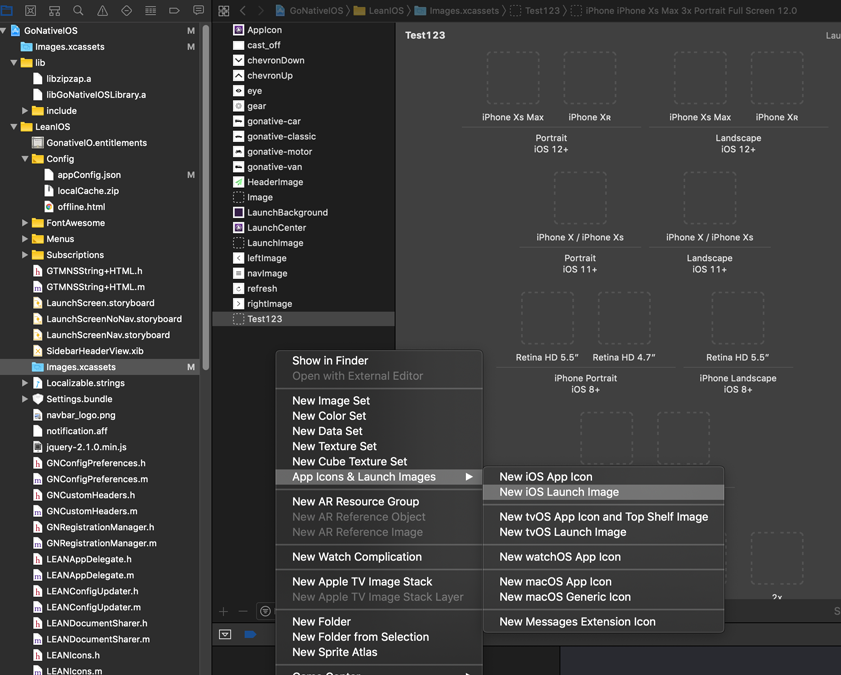
- Upload individual images for each device type, following Apple's official resolution guidelines in the Apple Developer - Launch Screen Documentation
Android splash screen setup
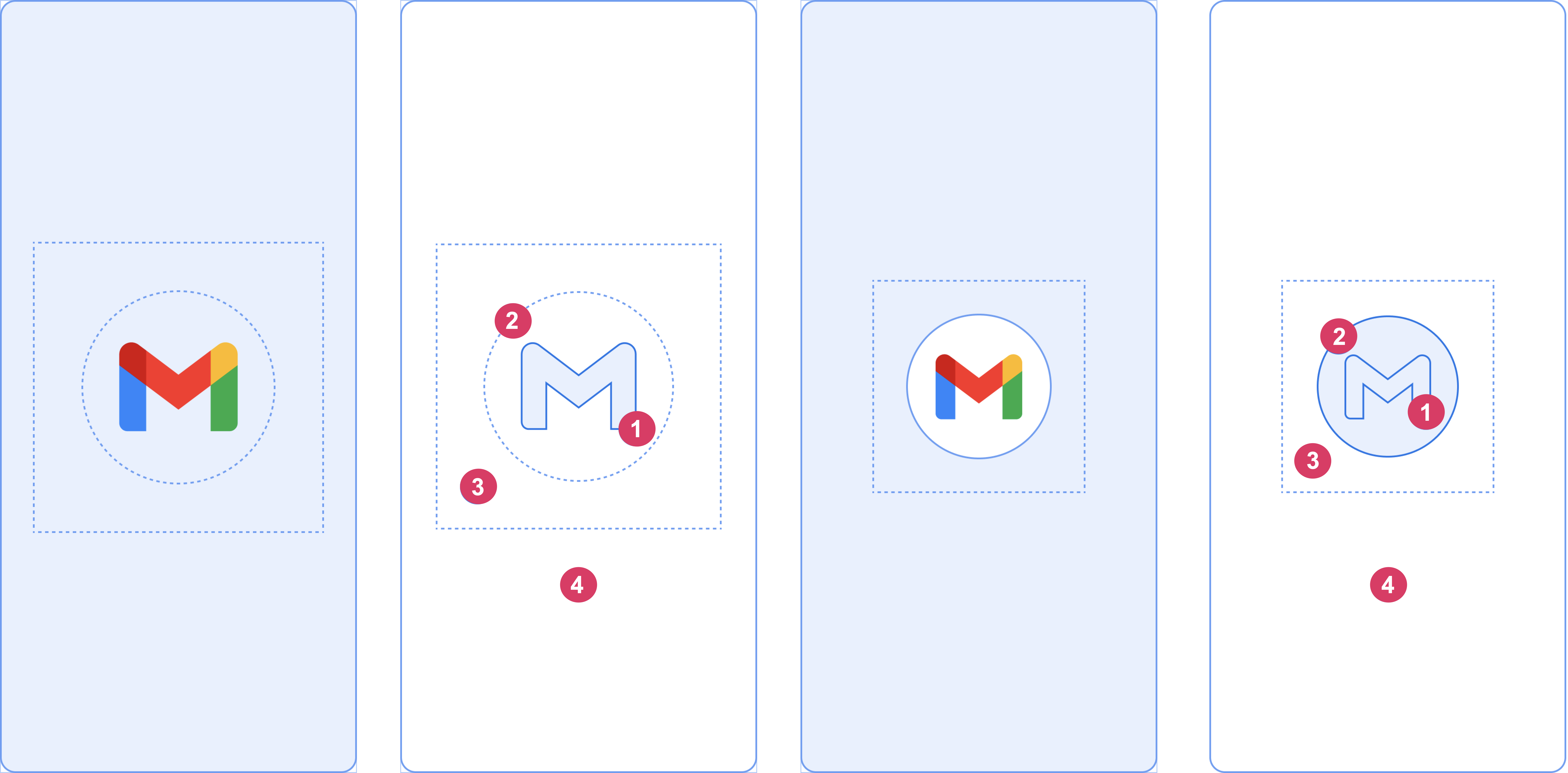
Starting with Android 12, Google standardized splash screen design to show a circular, cropped image centered on the screen. For the best results, use a simple, low-complexity image with minimal text similar in style to your app icon.
For full design specifications, see Android UI Guidelines for splash screens for more details.
Animated splash screen
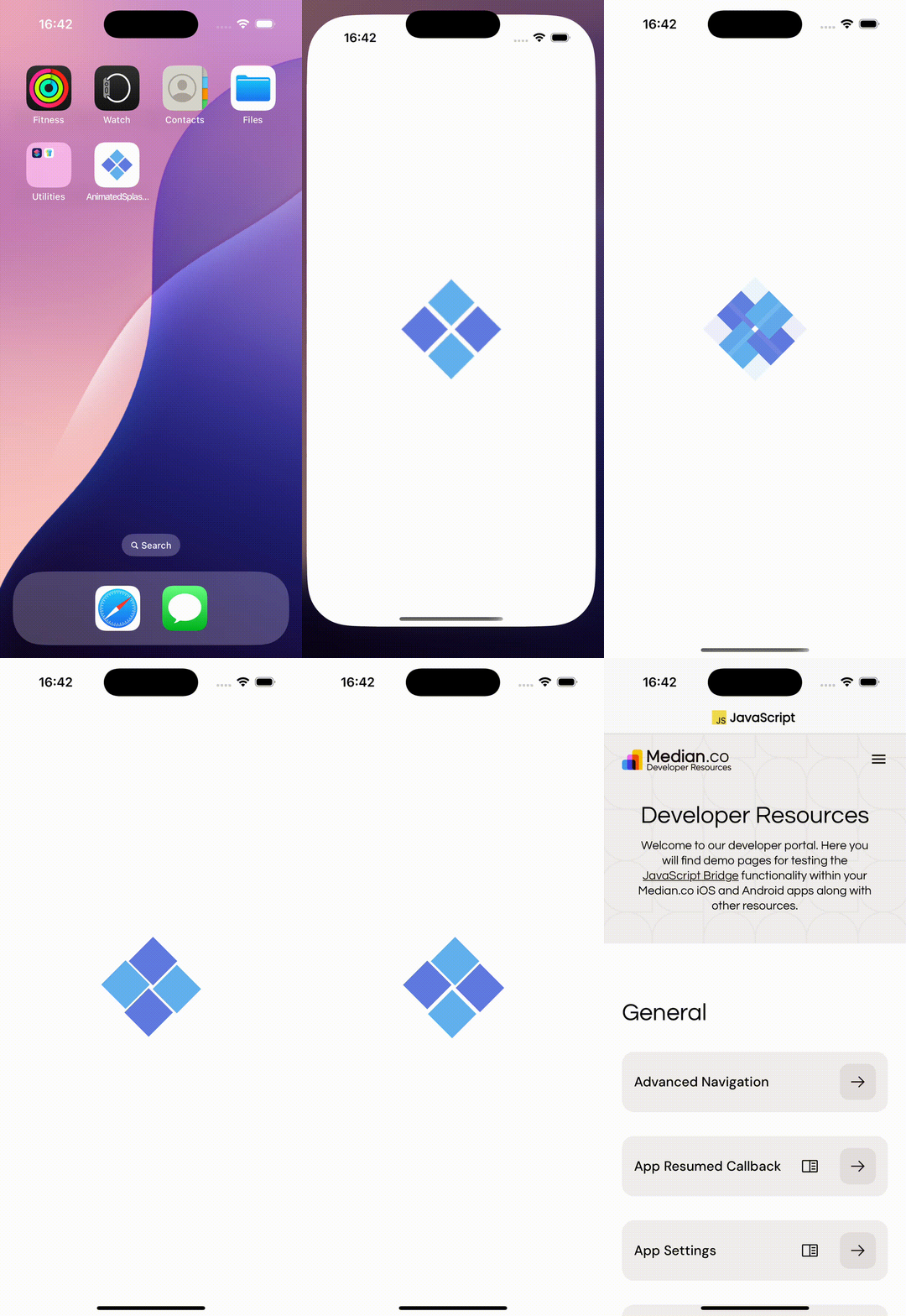
Median supports animations created in Adobe AfterEffects software which have been exported using the BodyMovin plugin in JSON format. There are free, ready-to-use animations available on https://lottiefiles.com
|

|
| iOS | Android |
Adobe After Effects & BodyMovin compatibilityiOS and Android do not support some features available in the BodyMovin format such as Blend Modes that are only supported in web. Always test your exported animation file on-device to confirm it renders as expected before publishing.
Free tier splash screen
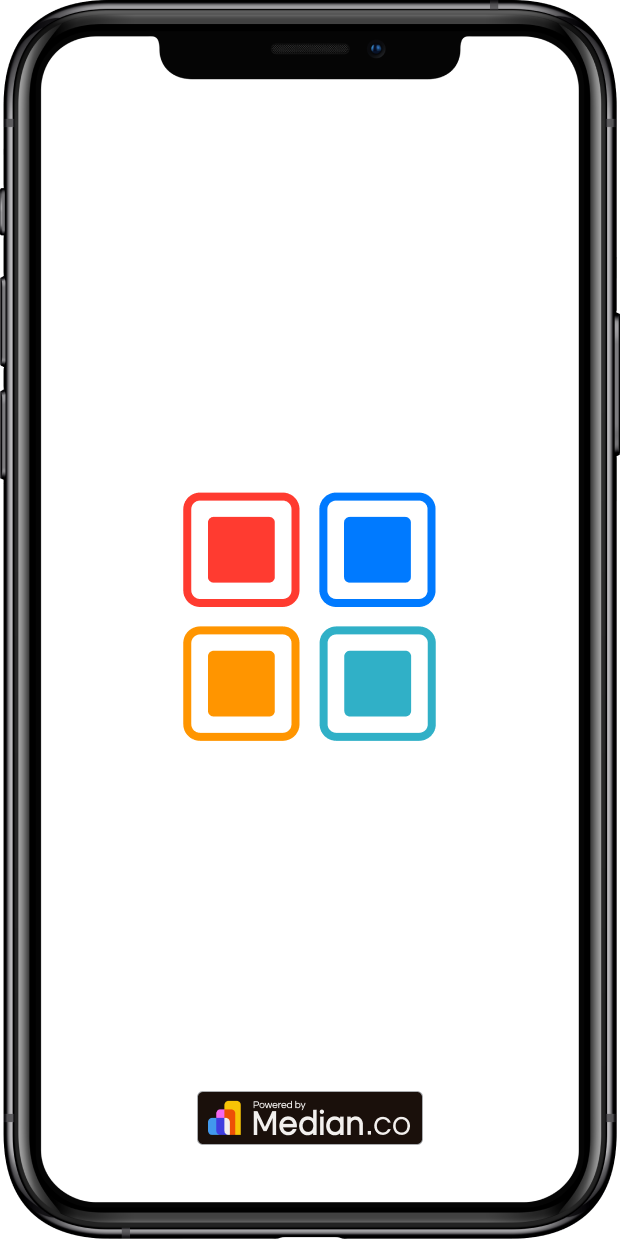
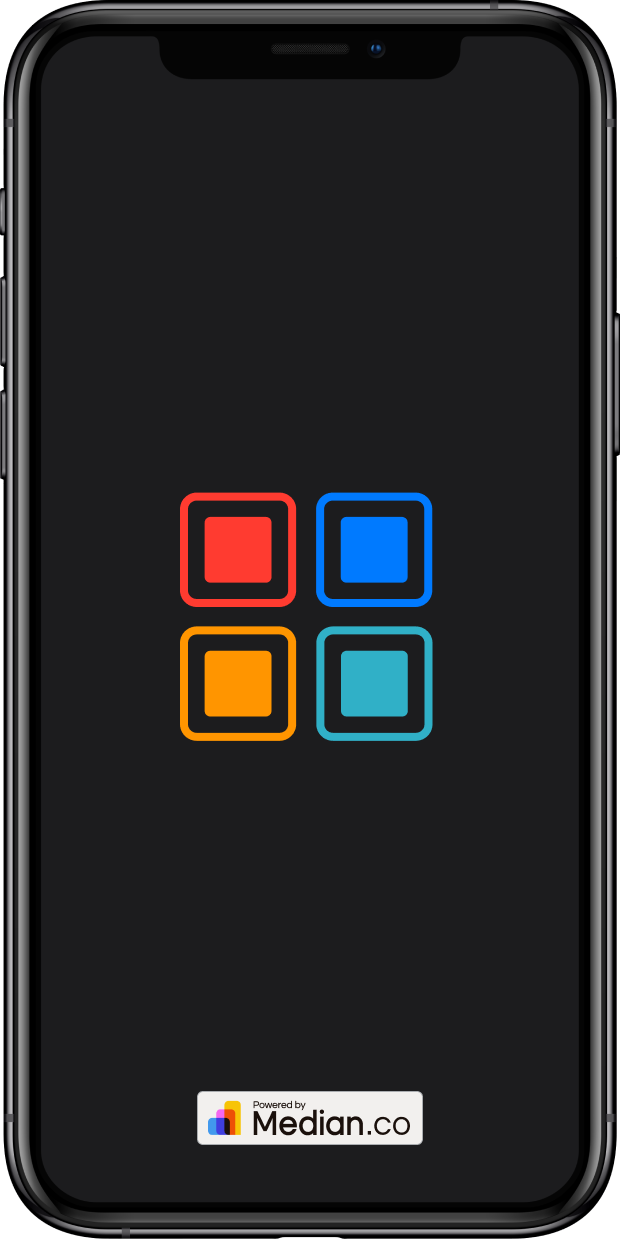
When you publish an app without a paid license under the Median Free offering, a "Powered by Median.co" watermark appears on the splash screen in the production version of your app. The splash screen displays while your web content loads and then disappears when your content has loaded.
You can configure your splash screen to use the same image as your app icon or a different image. You can also set different images and background colors for light mode and dark mode.
|
|
| Light Mode | Dark Mode |
Frequently Asked Questions
Does the splash screen support dark mode?
Does the splash screen support dark mode?
Yes. You can configure a separate splash screen image, animation, and background color for both light mode and dark mode.
How long does the splash screen stay on screen?
How long does the splash screen stay on screen?
It remains visible until your web page's DOMContentLoaded event fires, so the app never shows a blank screen while content loads. With animations, you can choose whether it also waits for a full animation cycle to complete.
What animation format does Median support?
What animation format does Median support?
BodyMovin JSON exports from Adobe After Effects.
Can I remove the 'Powered by Median.co' watermark?
Can I remove the 'Powered by Median.co' watermark?
Yes. The watermark only appears on the Median Free plan. Upgrading to a paid app license removes it from your splash screen.
Updated about 1 month ago