
Share into app
Allow users to share URLs from any app directly into your app using the native Share Sheet or Share Menu
Share into App provides a native share extension that bridges the operating system share UI with your web app's JavaScript. When a user selects your app from the share sheet, the app launches and invokes a JavaScript callback you define, passing the shared URL and subject.
Once configured, your app appears as a target option when a user shares a URL on their device. This lets you capture shared URLs and page titles directly in your JavaScript, making it easy to act on content users find anywhere on the web.
Developer DemoDisplay our demo page in your app to test during development https://median.dev/share-into-app/
Why Use Share into App
- Native system integration: Your app appears directly in the iOS Share Sheet and Android Share Menu, so users can share into your app from any browser or native app.
- Deep linking shared content: Shared URLs launch your app and deliver the URL and page title to a JavaScript callback you control, enabling any downstream action.
- Broad app compatibility: Ideal for social apps, bookmarking tools, productivity platforms, and any app that benefits from capturing web content users discover outside your app.
Implementation Guide
App Configuration
- Navigate to Native Plugins: In Median App Studio, go to the Native Plugins section.
- Enable Share into App: Toggle the plugin to enabled status.
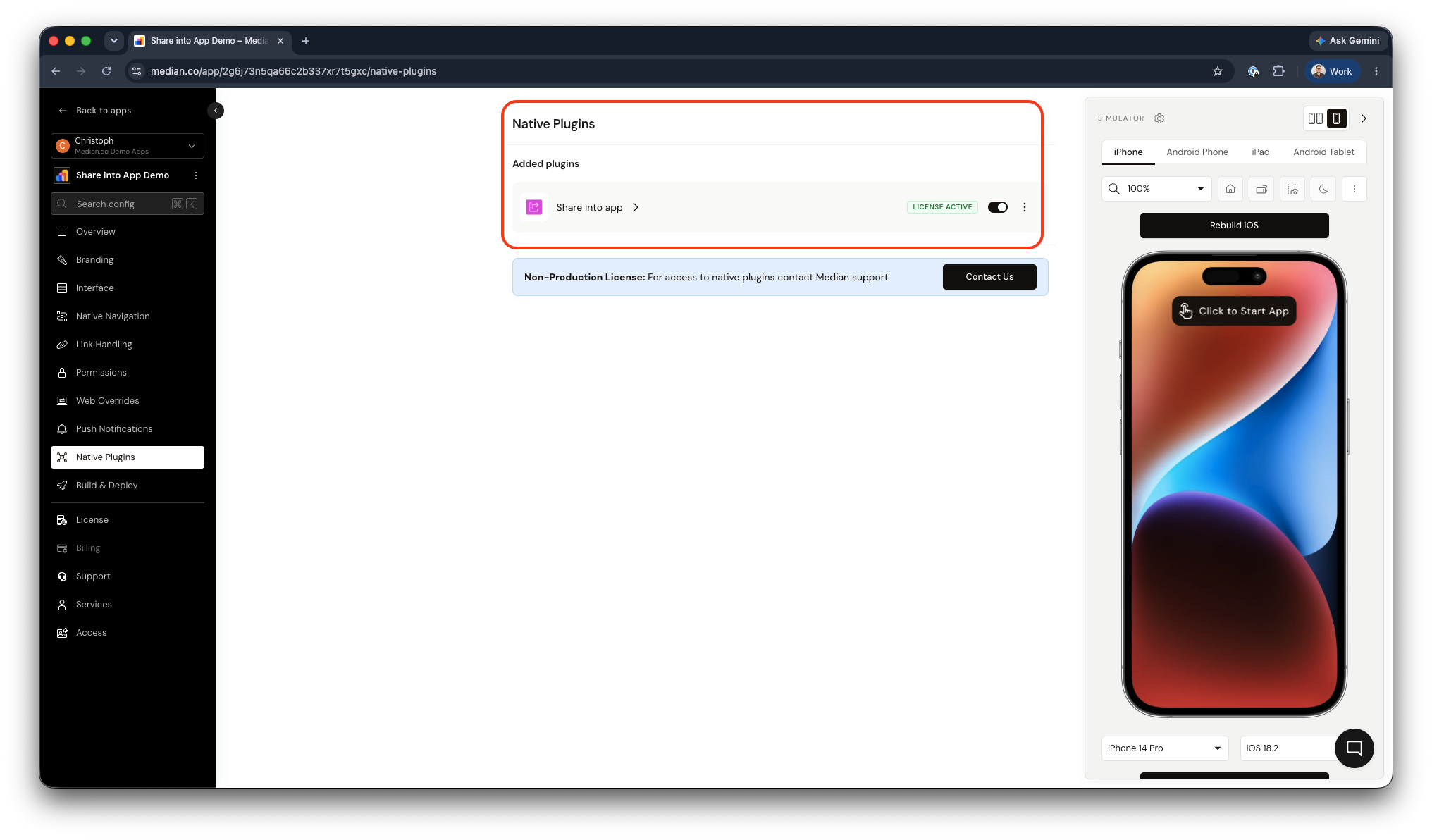
Share Into App Plugin Enablement
iOS Configuration
Add an App Group identifier to the Share into app plugin configuration. Enter the bare iOS Bundle ID of your app (for example com.example.app), not the prefixed identifier — the platform derives the App Group as group.<bundleId> internally.
App Groups must be set up manually in the Apple Developer PortalThe App Group cannot be created through the Median platform. You must register it in the Apple Developer Portal and enable it on both your app's App ID and its
<bundleId>.ShareExtensionApp ID. A release build will not work without it — see Building an iOS Binary with App Groups Entitlement.
You will also need to set up the URL scheme protocol. You can find this setting in the Link Handling section in App Studio.
JavaScript Bridge Functions
Define a JavaScript function on your website median_share_to_app(data). When a user selects your app from the system share sheet with a webpage URL, your app will launch and invoke the JavaScript function - median_share_to_app(data). This allows you to capture and use the shared data, such as the URL and page title/shared text.
function median_share_to_app(data) {
  alert(data.url); // Shared URL
  alert(data.subject); // Page title or shared text
}
Demo App
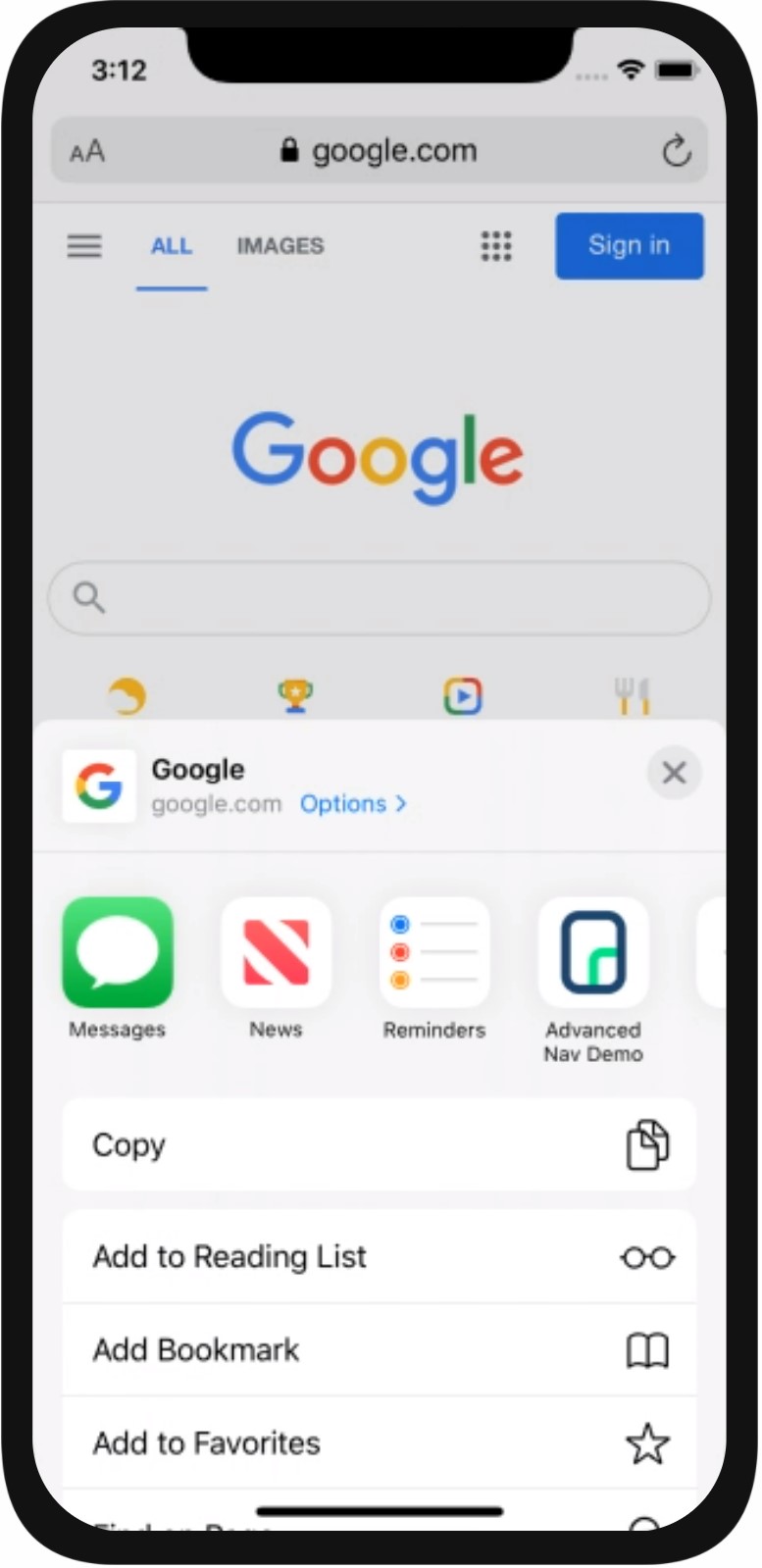
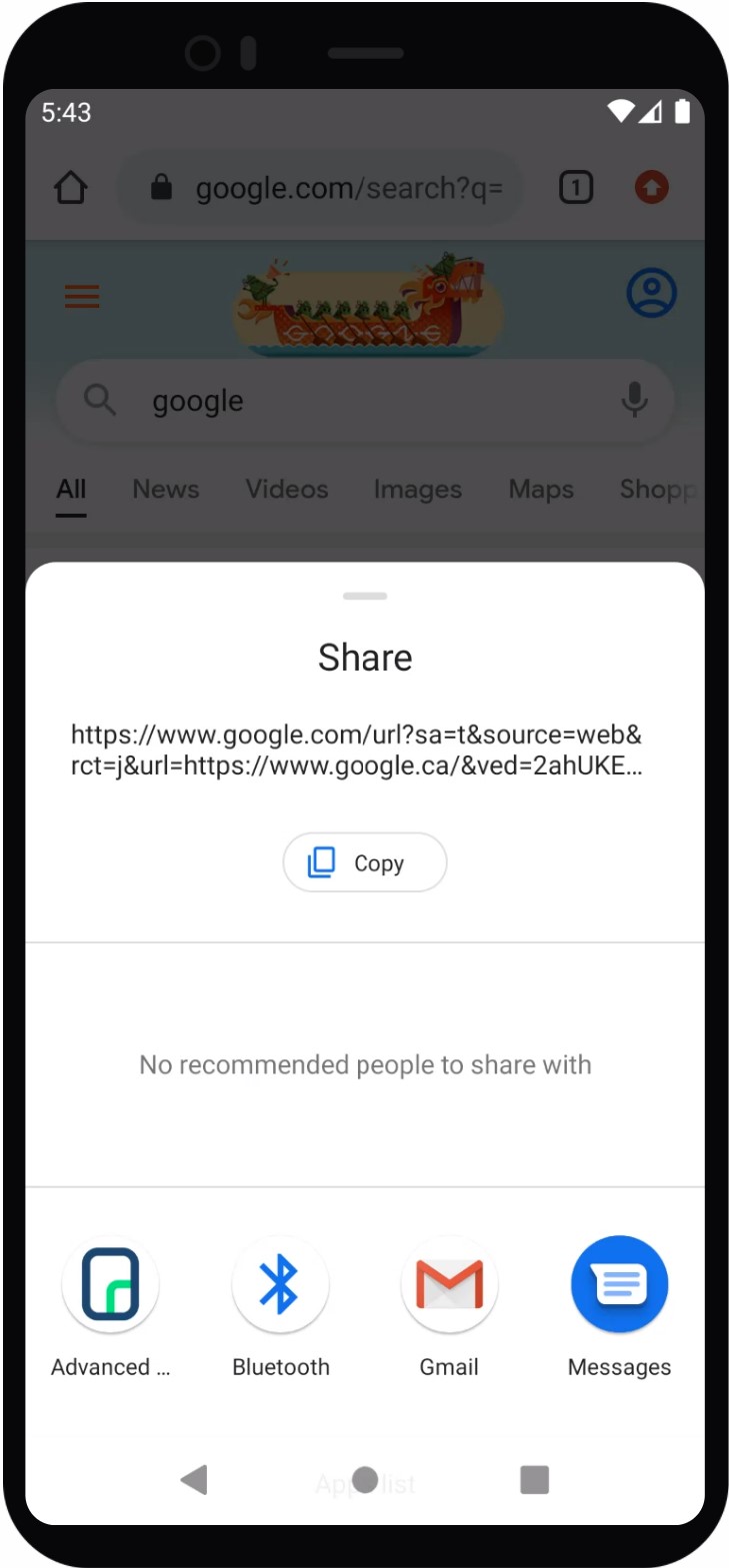
You can test the full share flow using our virtual demo app on iOS and Android simulators.
Demo Instructions
- Open any webpage (e.g., median.co) in the mobile browser.
- Tap the browser’s Share or Send to menu.
- Select the Share into App Demo from the list of target apps.
- The demo app will launch and invoke the JavaScript callback with the shared URL and metadata.
| iOS | Android |
Testing Checklist
Use this checklist to ensure Share into App is working correctly in your app:
- Your app appears in the native Share Sheet (iOS) and Share Menu (Android)
- Selecting your app from the share sheet launches the app correctly
- Sharing a URL triggers the
median_share_to_app(data)callback
Frequently Asked Questions
Share into App functions don't load or don't run
Share into App functions don't load or don't run
Enable the JavaScript Bridge in Median App Studio and define median_share_to_app on your website before the native callback fires. Also confirm that you enabled the plugin in your app configuration.
App does not appear in the iOS Share Sheet?
App does not appear in the iOS Share Sheet?
Verify that the App Group identifier in the Share into App plugin configuration matches the App Group you registered in your Apple Developer Account. Also confirm that you have configured the URL scheme protocol in the Link Handling section of App Studio.
The callback fires but data.url or data.subject is empty?
The callback fires but data.url or data.subject is empty?
Check that your median_share_to_app function reads data.url for the shared URL and data.subject for the page title or shared text. Confirm the user is sharing a URL that provides both values as not all share sources supply a subject.
Share into App does not work after enabling the plugin?
Share into App does not work after enabling the plugin?
After enabling the plugin in App Studio, rebuild and redeploy your app. Plugin configuration changes require a new binary before they take effect on device.
Updated about 1 month ago