

What is Split View?
Split View is a multitasking feature on iPads that lets users open two apps side-by-side. It’s especially useful when working with content across apps. For example, viewing a document in Safari while entering data in your app. This feature works automatically on supported iPads with your Median app and there is no additional configuration needed.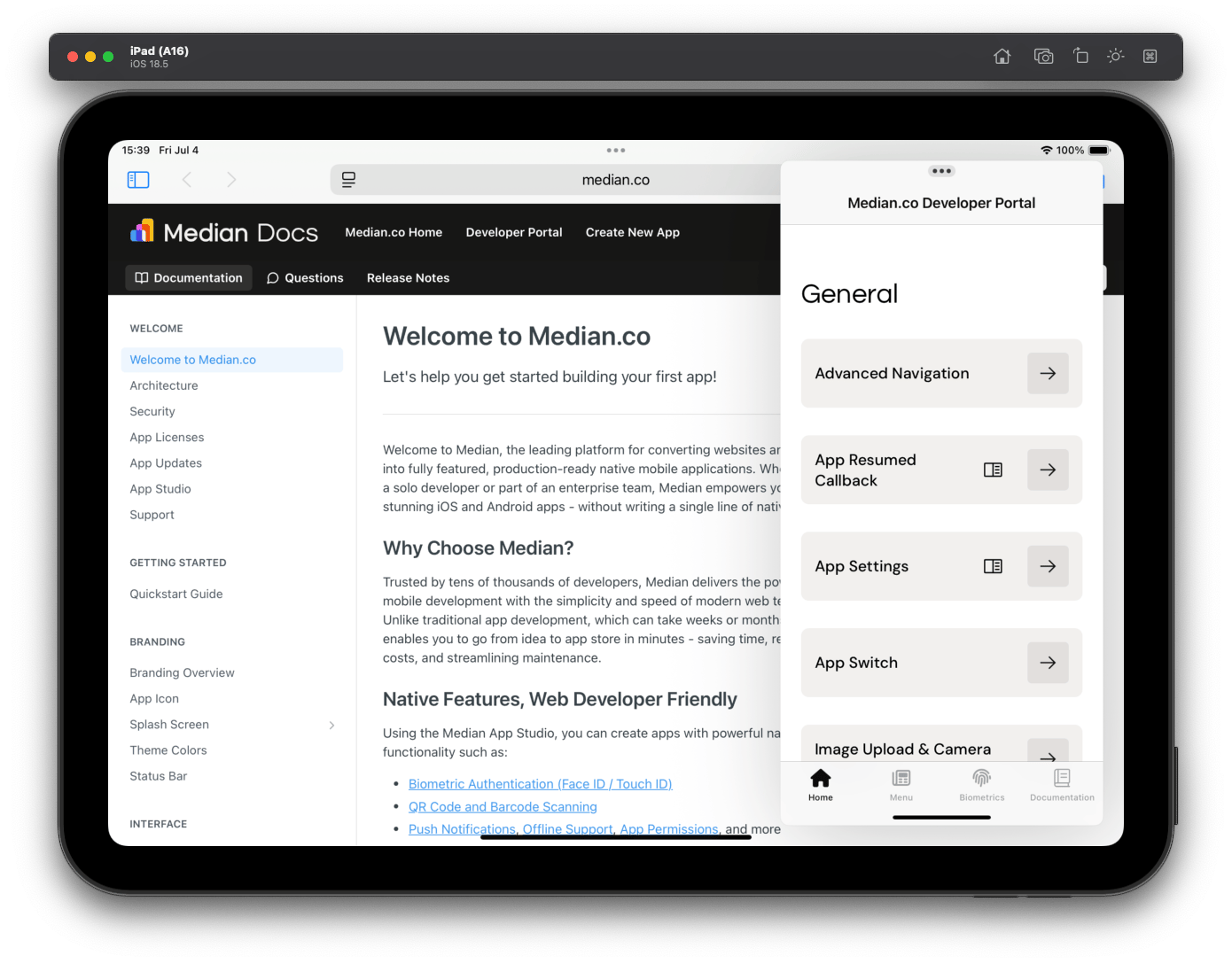
iPad using Split View: Safari with the Median docs on the left, a Median app on the right
How to use Split View
Your users can enable Split View by:- Opening your app on an iPad.
- Swiping up from the bottom of the screen to reveal the Dock.
- Dragging a second app icon (like Safari or Notes) into the right or left side of the screen.