
Building an iOS Binary with App Groups Entitlement
Configure App Groups for your iOS Binary
An App Group lets your main app share a common data container with its extensions for example, a Share Extension, a Today widget, or an App Clip that needs access to the same data as the main app.
If your app includes any of these, you'll need to enable the App Groups entitlement before building.
All configuration in this article is performed in the Apple Developer Portal, not in Median directly.
All configuration steps are performed in the Apple Developer Portal.
Prerequisites
- Your Bundle ID must already be registered (see Configure Signing for Your App)
- Admin or App Manager access to your Apple Developer account
App Group Configuration
Step 1: Create an App Group
- Sign in to Apple Developer → Identifiers in Apple Developer (not App Store Connect).
- Change the filter at the top from App IDs to App Groups.
- Click + to create a new App Group.
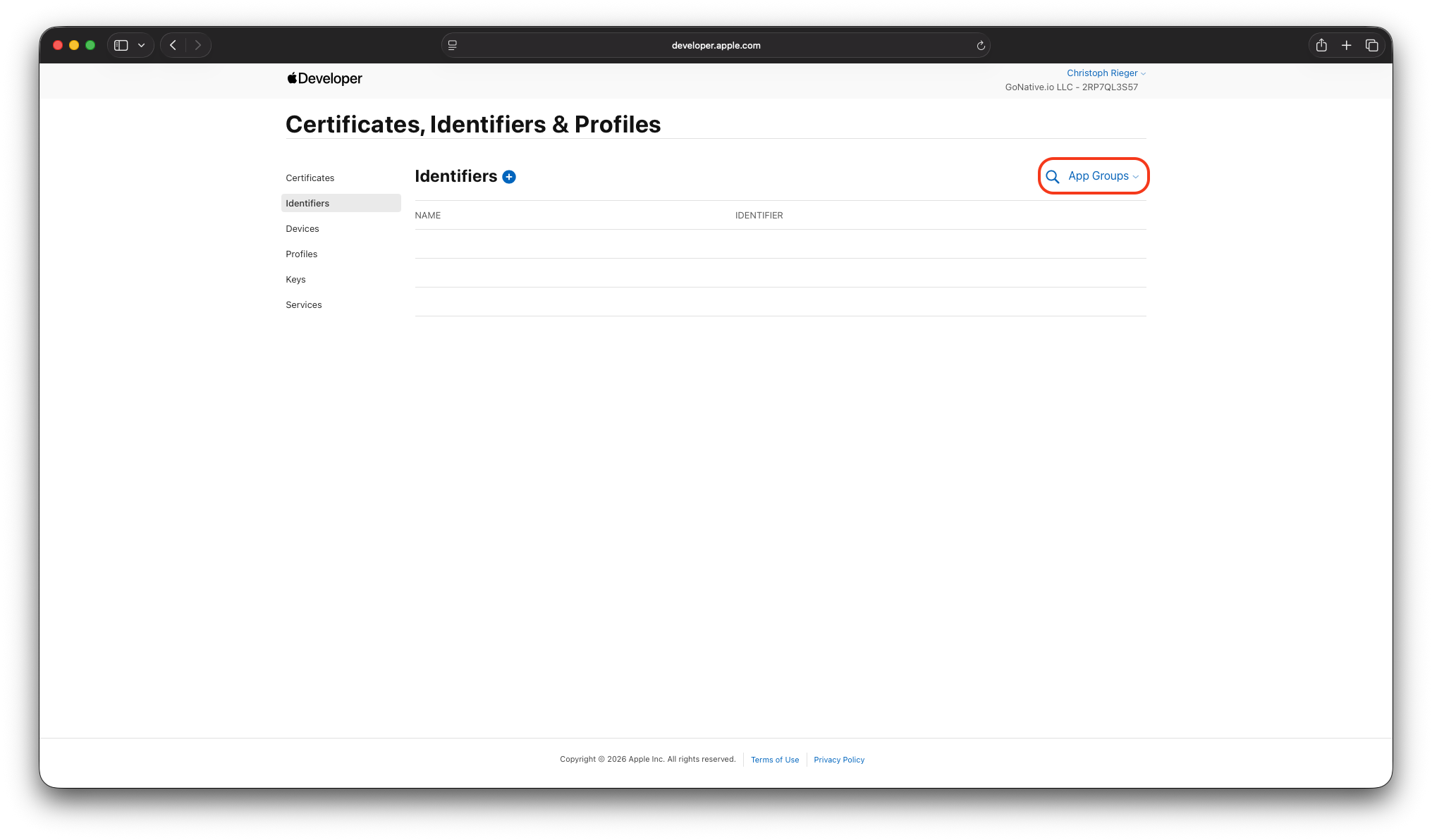
Apple Developer - Identifiers
- Enter a Description and an Identifier - the identifier must start with group. (e.g. group.com.company.app)
- Click Continue, then Register.
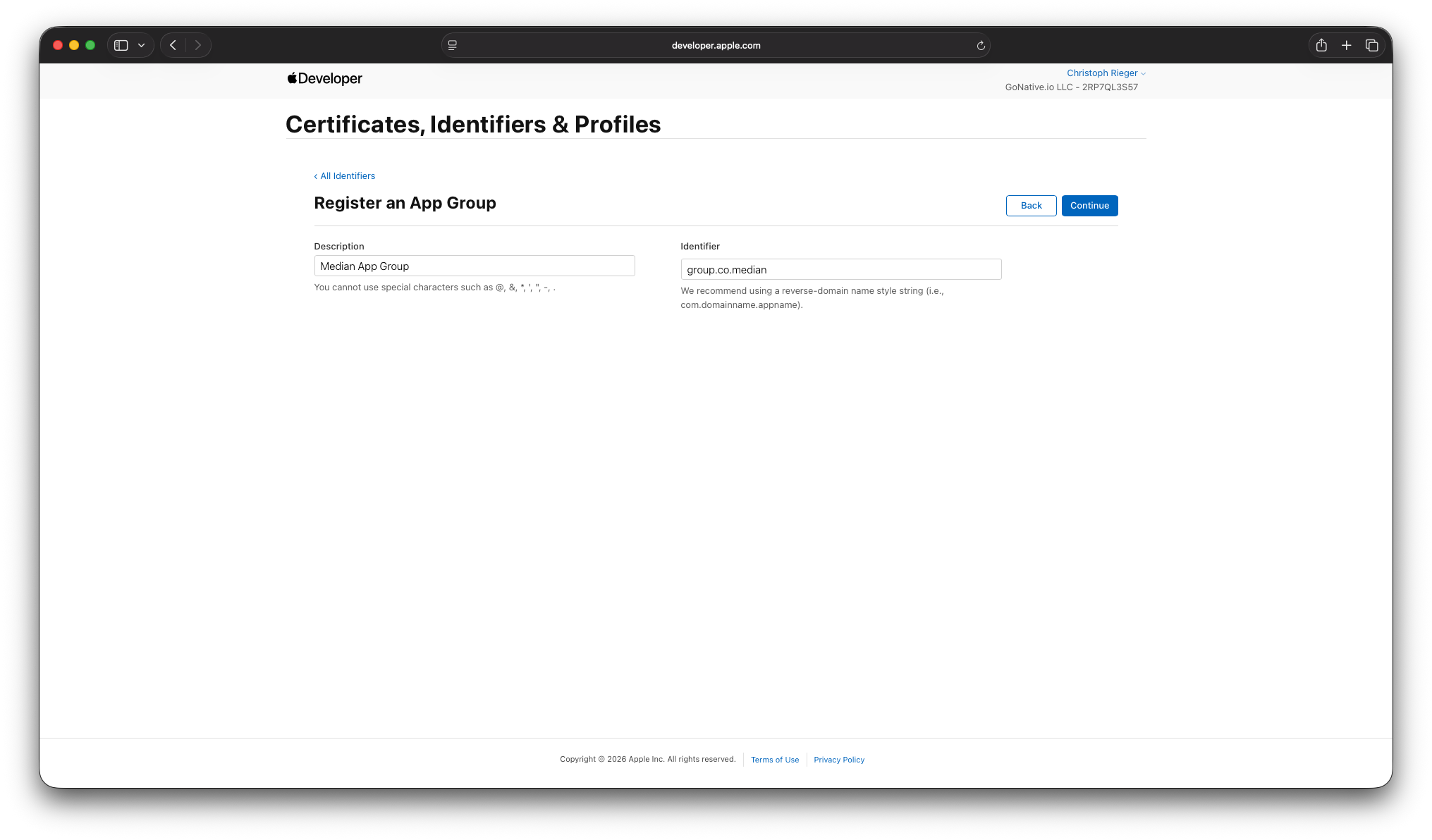
App Group Registration
- Click Continue, then Register.
Step 2: Enable App Groups for the Main Application
- Still under Identifiers, switch the filter back to App IDs and select your app's existing Bundle ID.
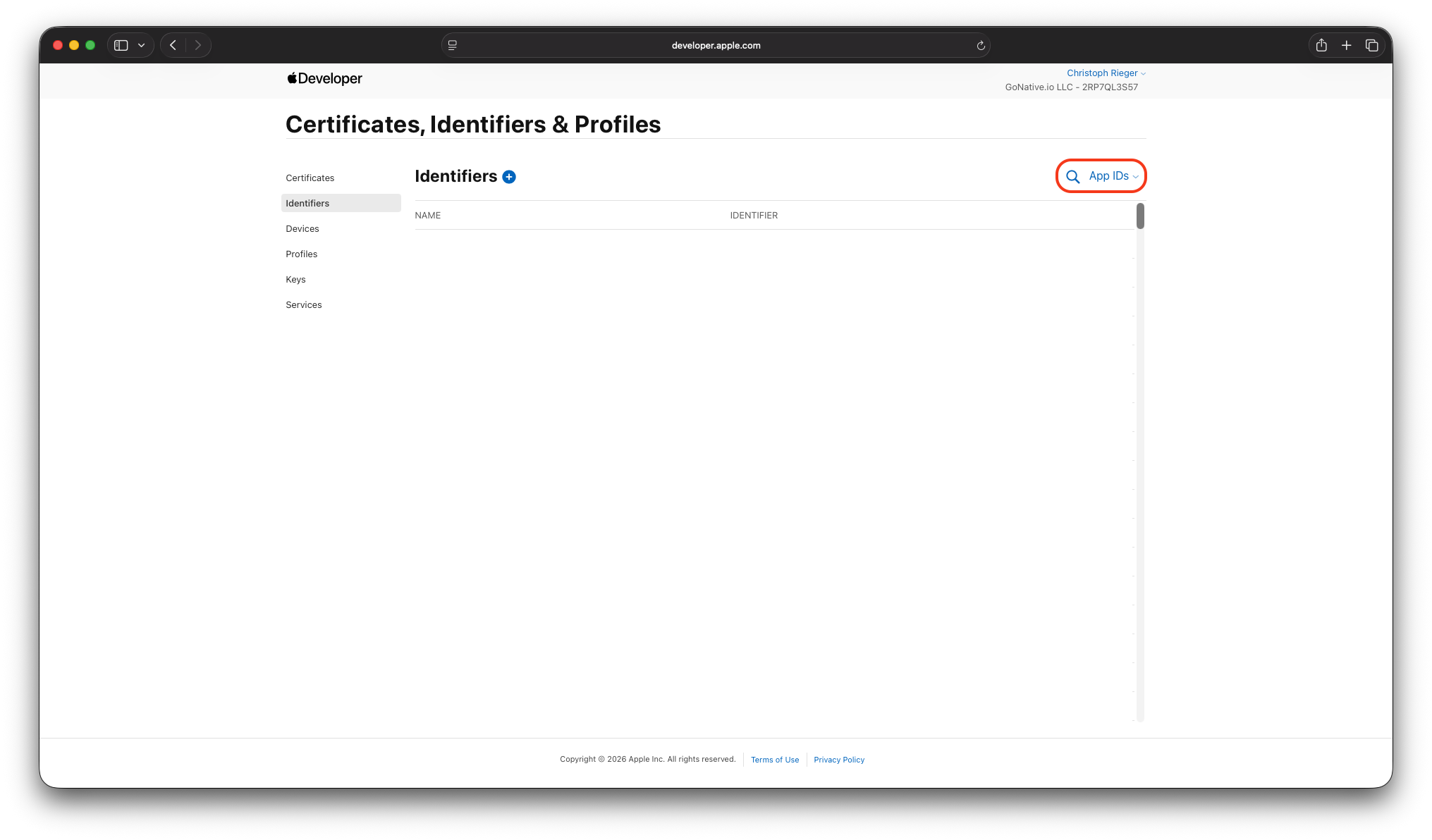
Apple Developer Portal - App IDs
- Locate and select the main application’s bundle identifier (e.g.
com.example.app). - Scroll to the Capabilities section and enable App Groups.
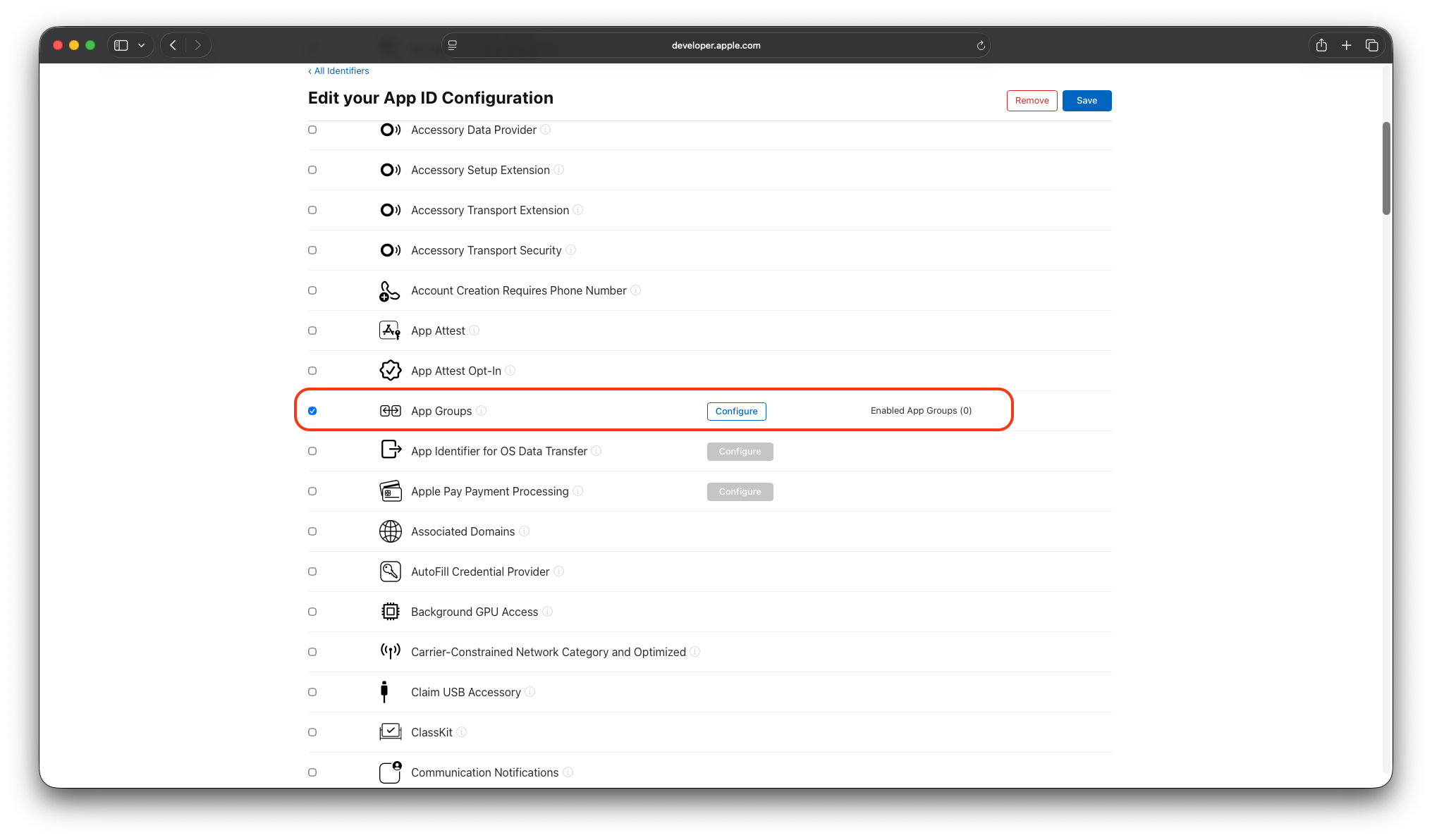
App Group Enablement
- Click Configure, select the App Group created in Step 1.
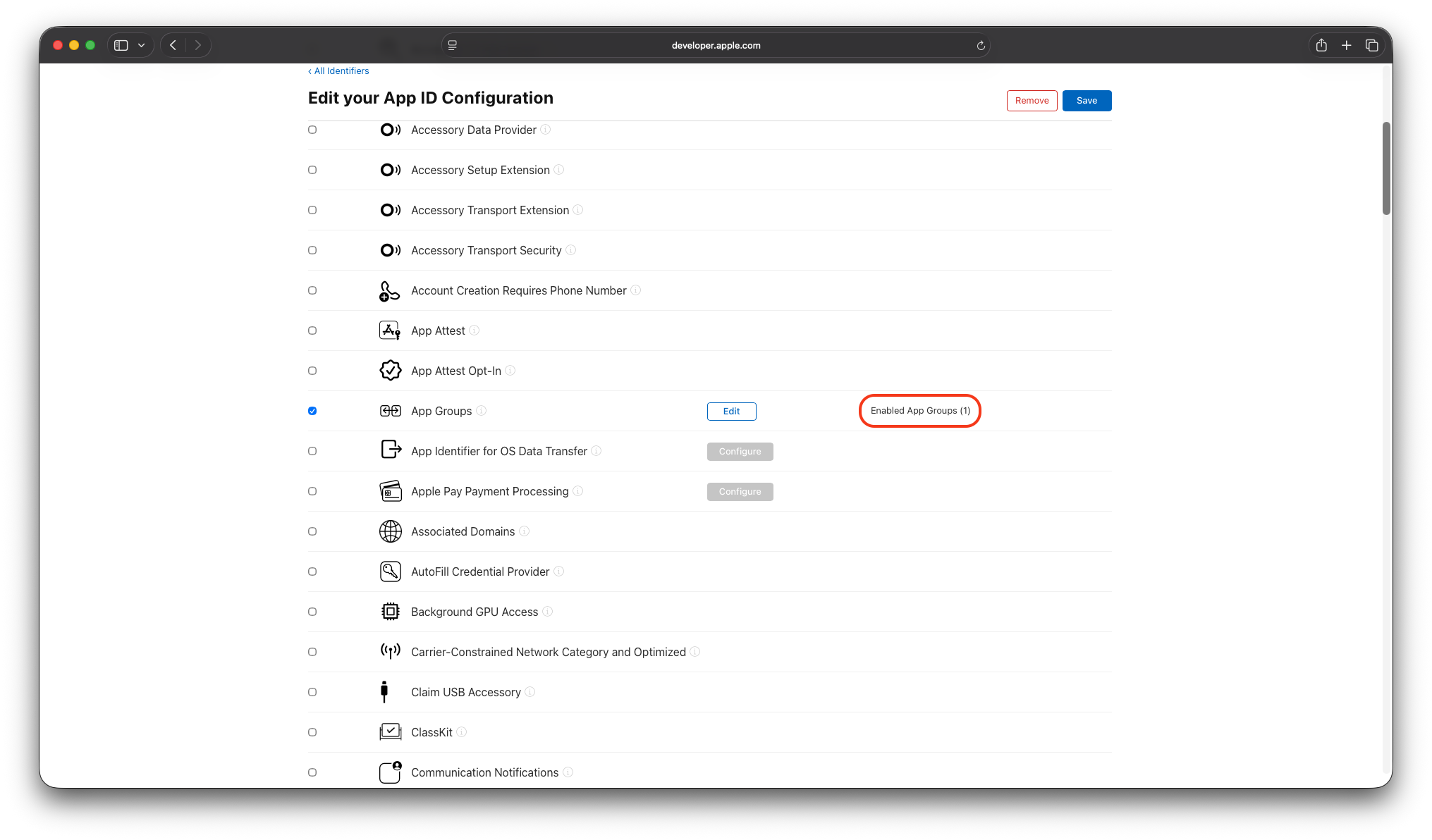
App Group Addition
Step 3: Regenerate your provisioning profile
-
Repeat the steps in Step 2 for each extension that requires access to the shared container (for example,
com.example.app.ShareExtension). -
Edit the profile (or create a new one if editing isn't available) so it regenerates against the updated Bundle ID. The App Groups entitlement is only included in profiles created after the capability was enabled.
Important: Every target that uses shared data must have the same App Group enabled in its App ID configuration.
Step 4: Rebuild
After enabling the App Group capability:
- In Median App Studio, go to your app's iOS IPA Build Configuration panel and rebuild the app so Median adds the updated entitlement.
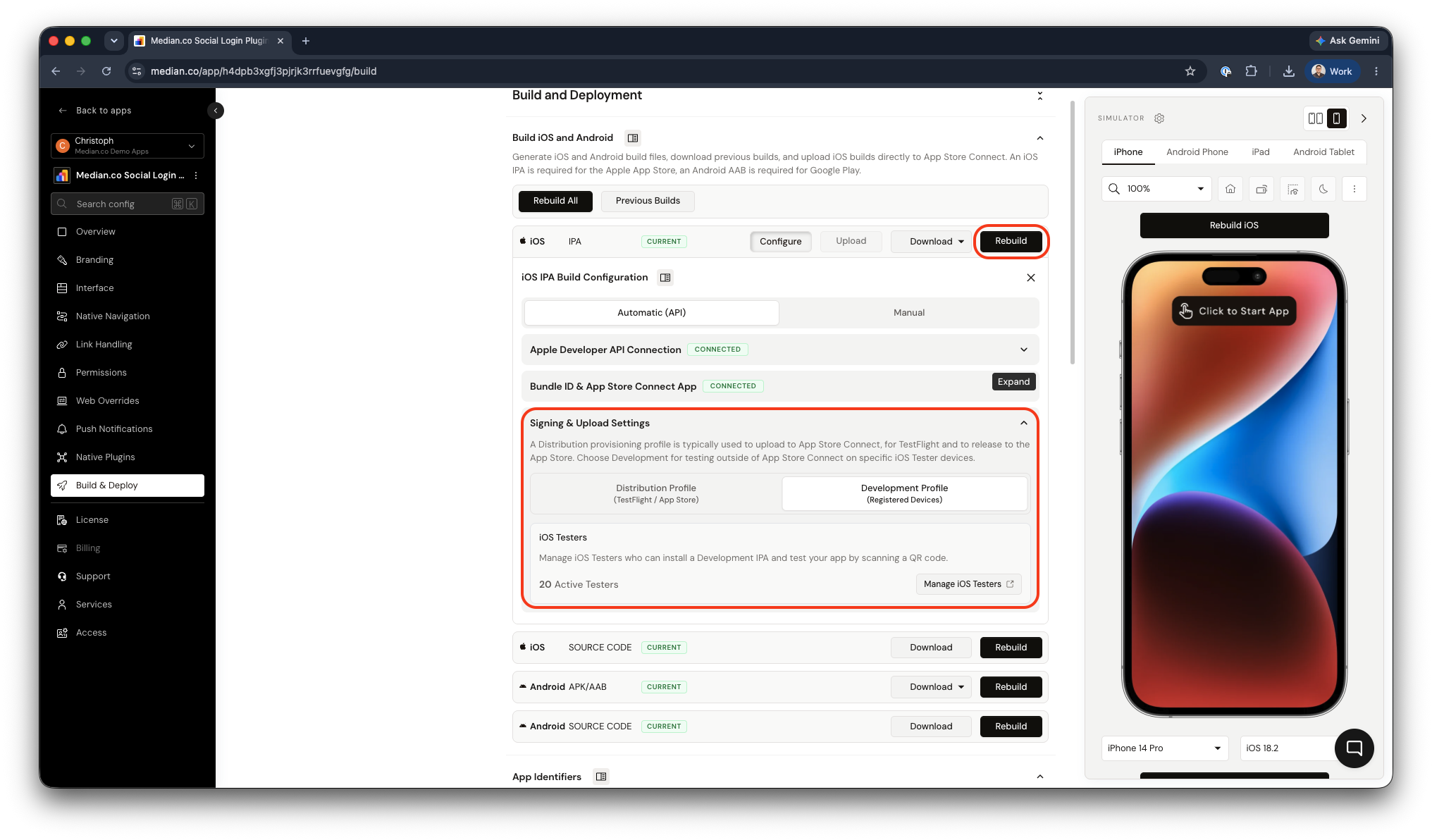
Provision Profile regeneration
- Distribute the iOS binary
Verification Checklist
Before distributing the app or reporting an issue, please confirm:
-
The App Group identifier begins with
group. -
App Groups is enabled on the main app's Bundle ID
-
App Groups is enabled on every extension's Bundle ID that needs shared access
-
The provisioning profile was regenerated after enabling App Groups (not just re-downloaded)
-
Median's build used the newly regenerated profile, not a cached one
Updated 29 days ago