
Clerk
Clerk is a complete authentication and user management platform. Median's Clerk Native Plugin integrates the iOS SDK and Android SDK into your app to provide a native sign-in experience with session token management.
The plugin provides a native UI for sign-in and sign-up flows, retrieves JWT session tokens for authenticating API requests, and supports checking authentication status at any time.
Clerk and App Configuration
Clerk Configuration
Create a Clerk application in the Clerk Dashboard and obtain your Publishable Key (starts with pk_test_ or pk_live_).
App Configuration
In the Native Plugins tab of the App Studio, enter your Publishable Key:
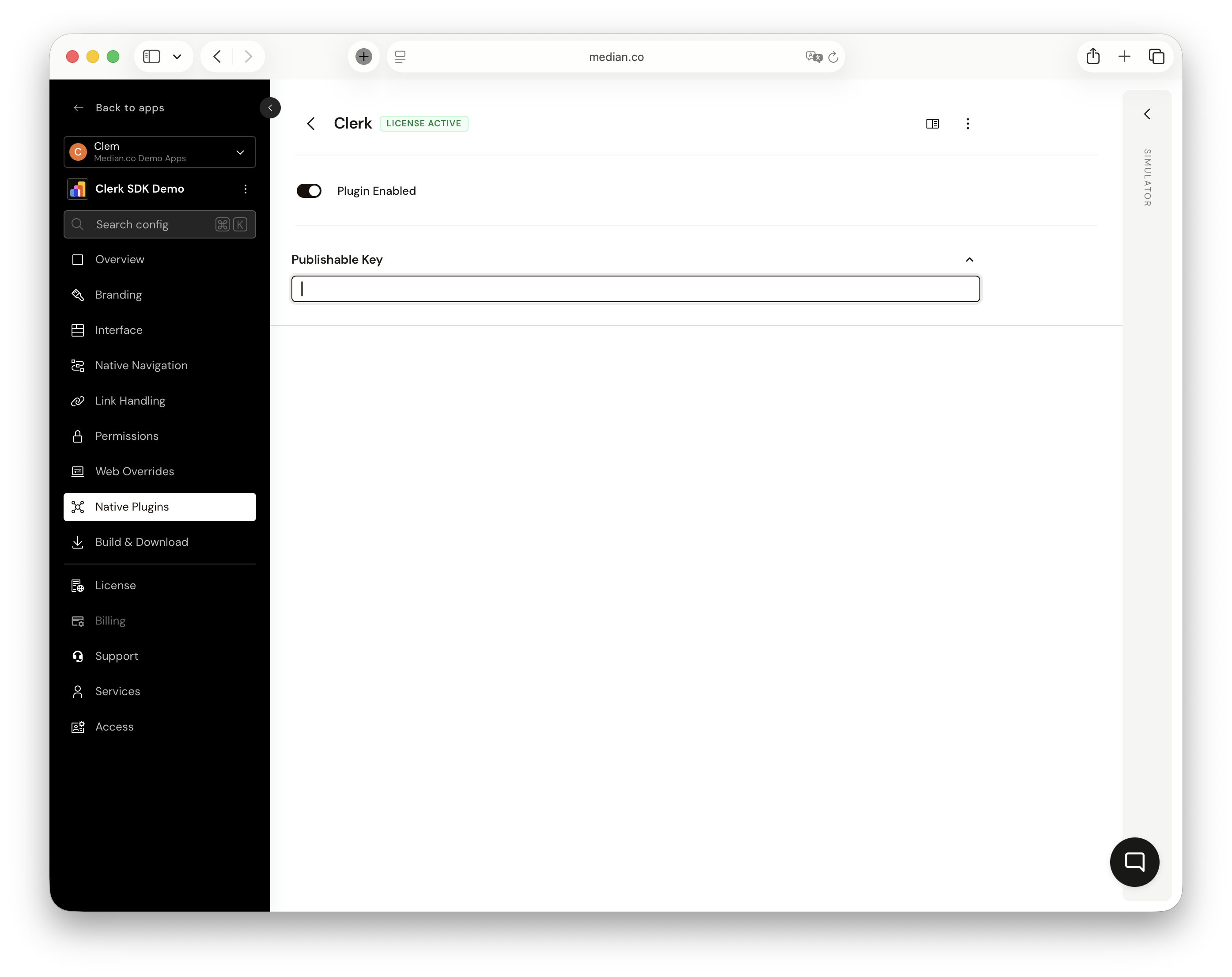
Native Plugins- Clerk
Auto-InitializationOn iOS and Android, the Clerk SDK is automatically initialized at app startup using the
publishableKeyfrom the server configuration.
Implementation Guide
Present Sign-In
Present a native sign-in UI for the user. The interface supports sign-in and sign-up flows. Once the user completes or dismisses the flow, the callback returns the current authentication status.
↔️Median JavaScript Bridge
To present the Clerk sign-in screen:
const result = await median.clerk.presentSignIn(); // result object { state: "signedIn" | "signedOut", userId: "user_2abc...", // present when signed in hasValidToken: true | false, token: "eyJ..." // present when hasValidToken is true }// Callback example median.clerk.presentSignIn({ callback: function(result) { if (result.state === 'signedIn') { console.log('User signed in:', result.userId); console.log('Session token:', result.token); } } });
Sign Out
Sign the current user out and invalidate the session.
↔️Median JavaScript Bridge
To sign out:
const result = await median.clerk.signOut();

// result object
{
  success: true | false,
  error: {                // present on failure only
    code: "NOT_INITIALIZED" | "SDK_ERROR",
    message: "..."
  }
}
Get Auth Status
Retrieve the current authentication status, including the session token and user ID. Use this to check if a user is still signed in or to obtain a fresh JWT token for API requests.
↔️Median JavaScript Bridge
To get the current auth status:
const result = await median.clerk.getAuthStatus(); // result object { state: "signedIn" | "signedOut", userId: "user_2abc...", // present when signed in hasValidToken: true | false, token: "eyJ..." // present when hasValidToken is true }// Example: use token for API request const status = await median.clerk.getAuthStatus(); if (status.state === 'signedIn' && status.hasValidToken) { fetch('https://api.example.com/data', { headers: { Authorization: 'Bearer ' + status.token } }); }
Error Codes
| Code | Description |
|---|---|
NOT_INITIALIZED | Clerk SDK has not been initialized. Call initialize() first. |
SDK_ERROR | An unexpected error occurred within the Clerk SDK. |